
Store links by region
How to Download Azur Promilia
Download Azur Promilia from your regional store or launcher: Japan uses a PC launcher at azurpromilia.jp plus the App Store and Google Play; Korea, Taiwan and China have their own listings. Southeast Asia and English players cannot download yet; they can only pre-register or wait.
Updated 2026-11-26
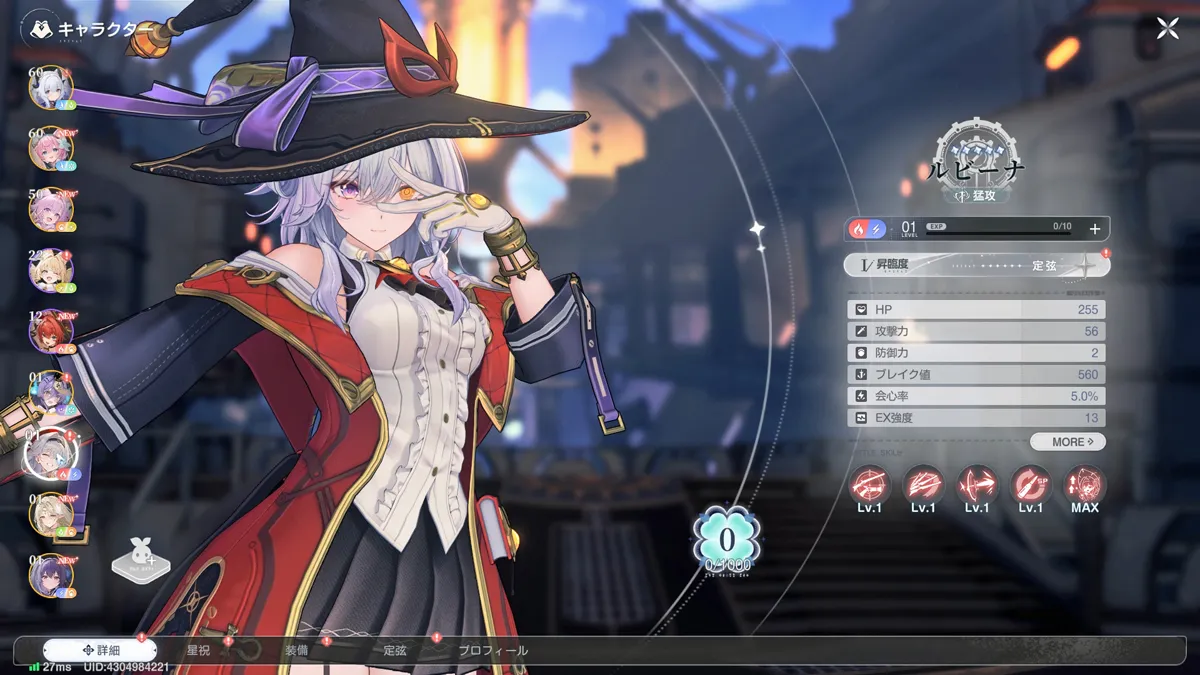
Download links by region and platform
| Region | Platform | Where | ID / package | Status | Sources |
|---|---|---|---|---|---|
| Japan | Windows PC | azurpromilia.jp/PCdownload | Launcher | Live | 2 sources |
| Japan | iOS | App Store JP | 6787982572 | Live | 2 sources |
| Japan | Android | Google Play | com.Yostar.AzurpromiliaJP | Live | 2 sources |
| Korea | iOS | App Store KR | 6754899430 | Live | 2 sources |
| Korea | Android | Google Play | com.nexon.azurpromilia | Live | 2 sources |
| Korea | PC / Galaxy Store | azurpromilia.nexon.com | — | Live | 1 source |
| Taiwan / HK / Macau | iOS | App Store TW | 6789139052 | Live | 2 sources |
| Taiwan / HK / Macau | Android | Google Play | com.jimi.azurpromilia | Live | 2 sources |
| Mainland China | iOS / Android / PC | azurpromilia.manjuu.com, TapTap | TapTap 593829 | Live | 2 sources |
| Southeast Asia | All | Pre-registration only | — | No download yet | 2 sources |
| English / global | All | No client yet | — | Open beta summer 2027 | 2 sources |
Install steps (Japan, per the launch FAQ)
- 01PC: download the launcher from azurpromilia.jp/PCdownload and install it.
- 02Open the launcher and let it download the game files. Keep 120 GB or more free, ideally on an SSD.
- 03Phone: install from the App Store or Google Play and keep 55 GB or more free.
- 04Start the game once to fetch the additional data. Log in with the same account on PC and phone to share progress.
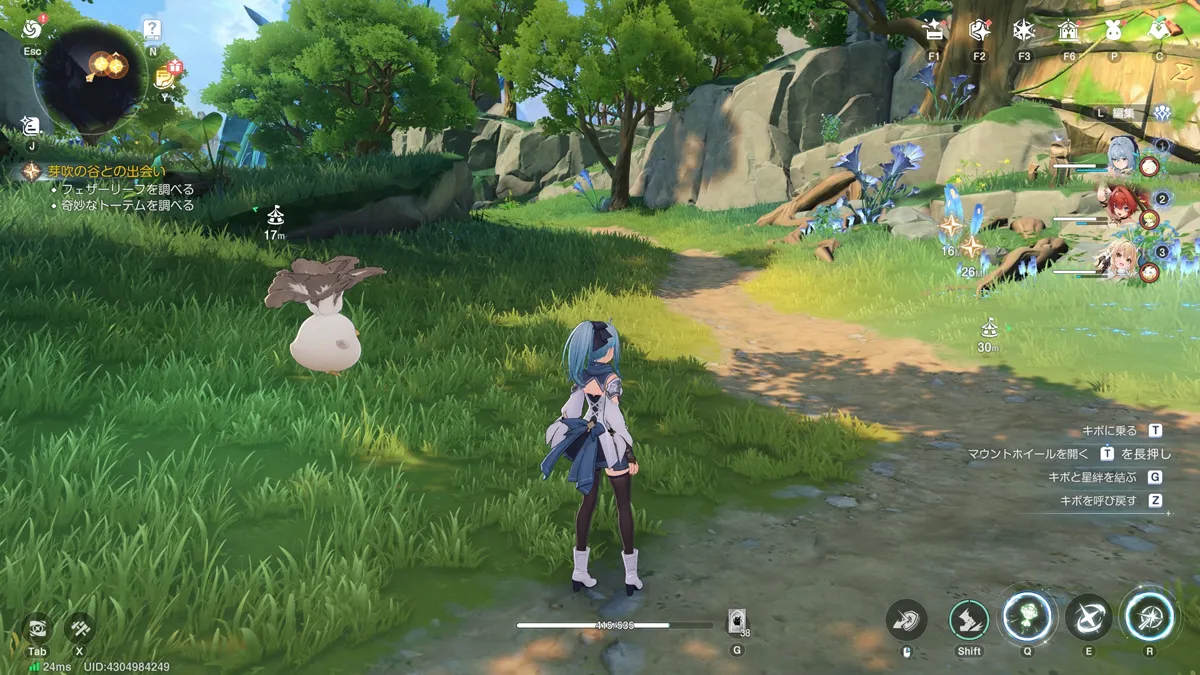
Fixes for common install problems
| Problem | What the Japanese FAQ suggests |
|---|---|
| Not enough storage | Free space first: 120 GB+ on PC, 55 GB+ on phones. |
| File verification error | Restart the launcher and re-download the affected files. |
| Antivirus flags the launcher | Confirm you downloaded it from azurpromilia.jp, then allow it. |
| Slow start or loading | Install on an SSD. |
| Crash on launch | Restart the device and try again. |
| Additional data stops downloading | Restart the game and check your connection. |
Why there is no APK or emulator link here
Third-party APK sites and "download for PC" pages rank for this game, but every live region distributes through its own store or launcher, and none of the publishers offers an APK. A file from a mirror cannot be checked against the publisher, may be modified, and will not give you an account in a region you cannot otherwise reach.
For emulators, the Korean beta rules said PC emulators were not supported; no region has published an emulator policy for launch. Use the native PC client instead. Platform details are on platforms and hardware needs on system requirements.
FAQ
How do I download Azur Promilia on PC?
Is Azur Promilia on Steam?
Can I download it in Southeast Asia?
How big is the download?
Is BlueStacks supported?
Related pages
Sources
Checked on 2026-11-26; page last updated 2026-11-26. A fact counts as confirmed when two independent sources agree; single-source items say so in the table.
- Japan regional site (azurpromilia.jp)
- Japan launch FAQ, 24 Nov 2026
- Japan pre-download notice, 24 Nov 2026
- App Store listing, Japan
- App Store listing, Korea
- App Store listing, Taiwan
- App Store listing, China
- Google Play listing, Japan
- Google Play listing, Korea
- Google Play listing, Taiwan
- Mainland China site (azurpromilia.manjuu.com)
- PlayPark SEA FAQ
- GameWith system requirements (test-period data)
- Steam store search for "azur promilia"